Description
Curriculum
Instructor
What you'll learn
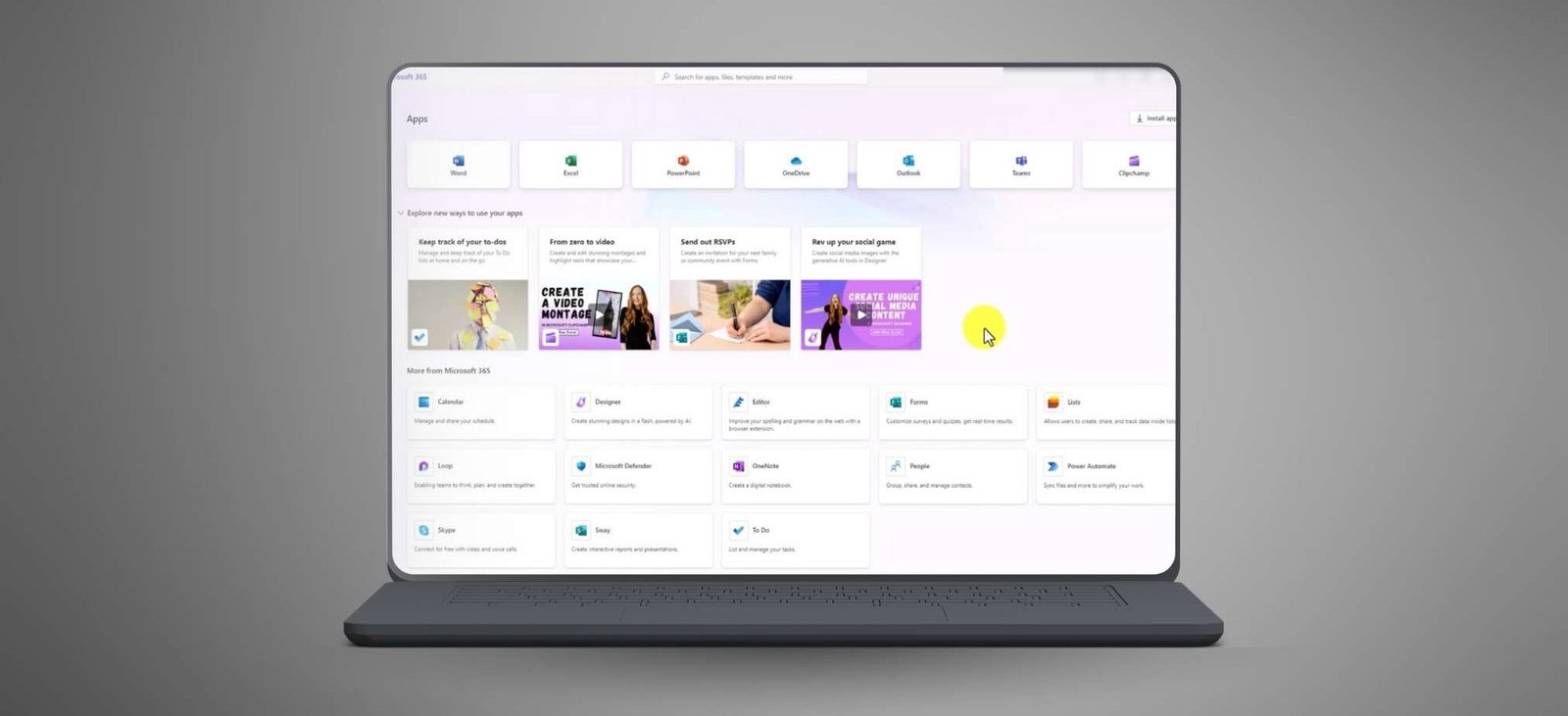
- How to use Microsoft AI CoPilot to draft and edit professional emails and documents effortlessly
- Techniques for generating promotional elements with AI-powered tools like Microsoft Designer
- Strategies for creating videos, captions, and transcriptions using Microsoft Clipchamp
- How to leverage AI Speaker Coach to refine presentations and speaking skills
- Best practices for transforming data into engaging visual content and streamlining workflows
This 20-part video course is perfect for people who looking to for high-quality training on using Microsoft AI CoPilot tools to streamline workflows, boost productivity, and create engaging content. With clear, step-by-step instructions, you will gain hands-on knowledge to apply these tools effectively and grow your online business.
What’s Inside:
- Tutorials on creating AI-generated videos and captions using Microsoft Clipchamp
- Step-by-step guides to using AI Text-to-Speech and transcription features
- Hands-on lessons with AI Speaker Coach for creating impactful presentations
- Practical examples of using Microsoft Designer to generate promotional content and manage branding
- Demonstrations of Microsoft CoPilot for drafting, summarizing, and editing emails, Word documents, and presentations
- Live examples of turning information into actionable visuals, tables, and transcripts
- Insights on leveraging AI tools to improve marketing efforts and save time
This masterclass gives you the tools you need to harness the power of Microsoft AI Copilot for your business. This valuable course provides resources for mastering AI tools and growing your business.
- 1 Section
- 20 Lessons
- Lifetime
Expand all sectionsCollapse all sections
- Mastering Microsoft AI CoPilotThis 20-part video course shows how to use Microsoft AI CoPilot tools to optimize workflows, create engaging content, and scale their online business effortlessly.20
- 1.1MSFTAI-TM – AI Video with MS Clicpchamp
- 1.2AI Video Auto Compose in MS Clipchamp
- 1.3AI Text To Speech In MS Clipchamp
- 1.4AI Video – Transcriptions and Captions with MS Clipcham
- 1.5AI Speaker Coach with MS Clipchamp
- 1.6AI Speaker Coach in MS PowerPoint
- 1.7Use AI With MS Designer for Promotional Elements
- 1.8Generate AI Images Using Microsoft Designer
- 1.9MS Deisgner Brand Kit
- 1.10Terms of Service for MS Designer.
- 1.11Use CoPilot to Summarize E-Mails in Outlook
- 1.12Drafting E-Mails in Outlook with CoPilot
- 1.13Live Example AI Editor
- 1.14Live Example CoPilot in Word
- 1.15Live Example – Summary and Designer
- 1.16Live Example – Turning Information Into Tables
- 1.17Live Example – Our Summary In Powerpoint
- 1.18Live Example and Limits
- 1.19Live Example – Transforming Transcripts
- 1.20Microsoft Create and Conclusion
2 Students20 Courses
Review
$35.00$9.90
100% positive reviews
28 students
20 lessons
Language: English
0 quiz
Assessments: Yes
Available on the app
Unlimited access forever
Skill level All levels
Courses you might be interested in
This video course offers a 38-minute introduction to mastering AI and ChatGPT through clear, step-by-step tutorials. It simplifies complex AI concepts, making them accessible for all skill levels.
-
1 Lesson
$35.00$9.90
This 22-part video course teaches how to use Claude.ai to generate content, improve documents, and automate tasks, making it perfect for reselling to businesses and creators.
-
22 Lessons
$35.00$9.90
This 20-part video masterclass teaches you how to explore ChatGPT's newest features, enhance their skills, and unlock its full potential with ease.
-
20 Lessons
Only $35.00$9.90
This 21-part course teaches you how to use top AI platforms like ChatGPT, Meta AI, Claude, Gemini, and Perplexity to create and edit professional content, helping you compare tools and...
-
21 Lessons
$35.00$9.90
$35.00$9.90