Description
Curriculum
Instructor
What you'll learn
- How to maximize the capabilities of ChatGPT search, voice, and Canvas tools
- Customizing ChatGPT settings for enhanced user experience
- Techniques for editing documents and creating visuals using Canvas
- Adding voice commands and audio features for improved workflow
- Practical strategies to optimize and format content effectively
- Tips for troubleshooting and avoiding AI-related errors
This 20-part video course is a must-have resource for entrepreneurs wgho looking for high-quality, engaging educational content. With straightforward tutorials and actionable tips, this course is perfect for businesses that want to equip their audience with the latest AI-powered tools for improving productivity and communication.
What’s Inside:
- Setting up ChatGPT features, such as memory and search
- Exploring custom instructions and advanced formatting options
- Leveraging ChatGPT for audio, visual, and search capabilities
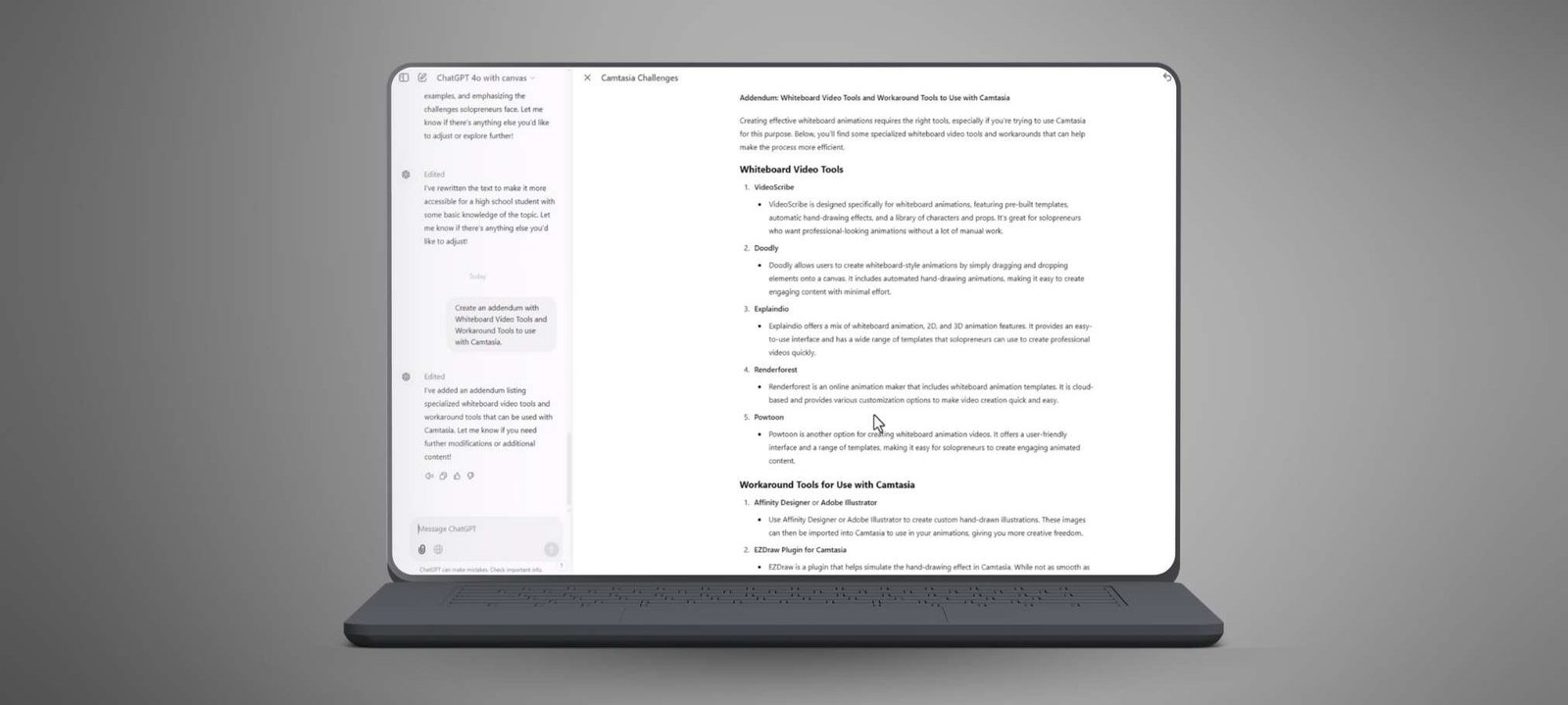
- Using the Canvas tool for document editing and formatting
- Step-by-step guidance for using ChatGPT voice features
- Practical tutorials for creating visually appealing documents and improving content readability
This course equips viewers with valuable skills to enhance their workflows and communication using ChatGPT’s advanced tools. With editable features and ready-to-resell rights, this video course is an excellent addition to your library of digital products, providing long-term value to your customers.
- 1 Section
- 20 Lessons
- Lifetime
Expand all sectionsCollapse all sections
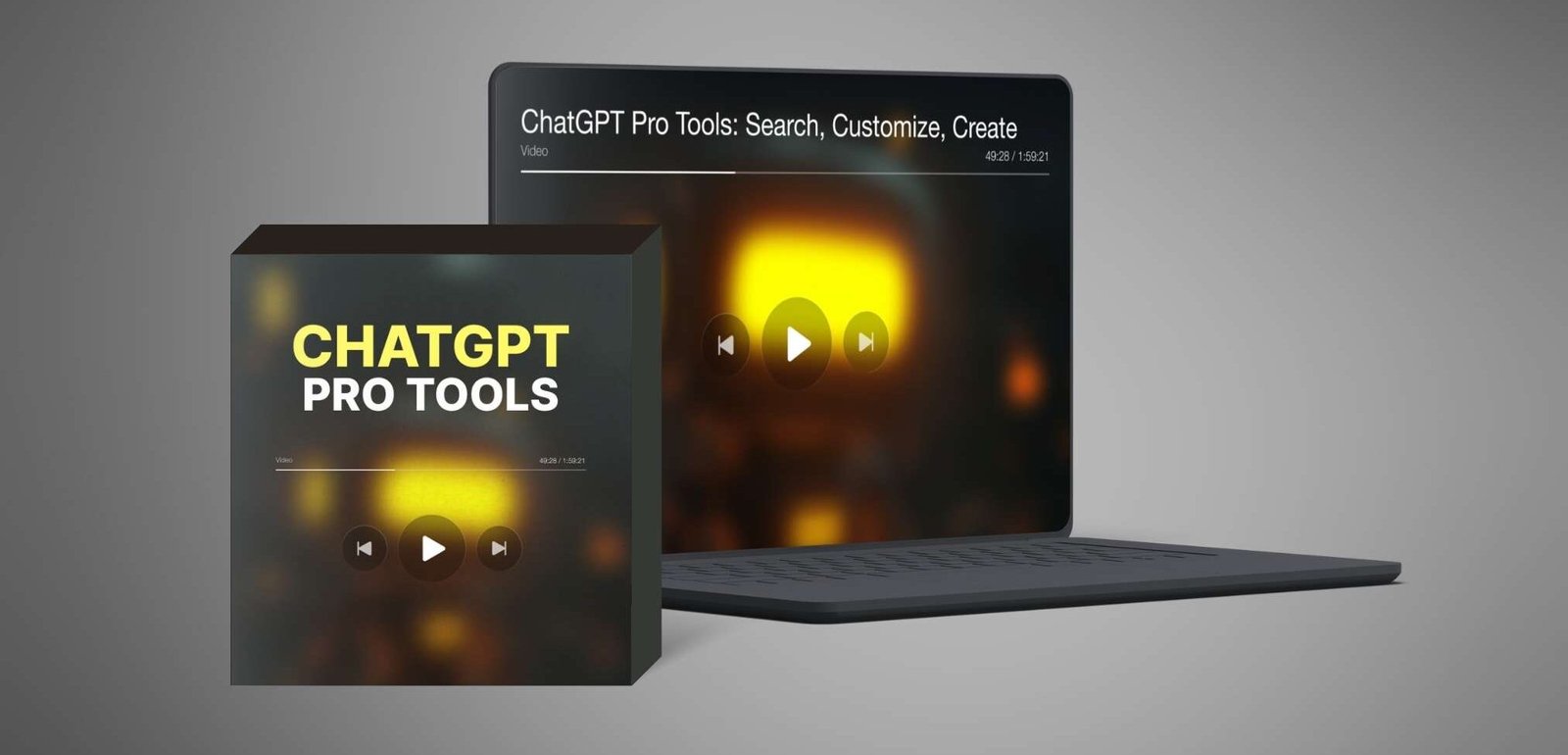
- ChatGPT Pro Tools: Search, Customize, CreateThis 20-part course shows how to use ChatGPT’s search, voice, and Canvas tools to create, edit, and optimize professional content with ease.20
- 1.1Plans and Pricing Updates
- 1.2ChatGPT Memory Setting
- 1.3Custom Instructions Changes
- 1.4ChatGPT Audio
- 1.5ChatGPT Search
- 1.6How To Find Your Search Queries
- 1.7Search History And the ChatGPT Broswer Extenstion
- 1.8Difference Between ChatGPT Serch and ChatGP Chatbot
- 1.9Vision with Images
- 1.10Vision with Mp4 Videos
- 1.11Request Output Formatting
- 1.12Complex Formatting Requests
- 1.13Canvas Introduction
- 1.14Suggested Edits with Canvas
- 1.15Shorten and Lengthen the Document in Canvas
- 1.16Change the Reading Level
- 1.17Final Polish and Emojis
- 1.18Eliminate Hallucination with GPT Search
- 1.19Download the Desktop Applications
- 1.20Voice Mode with the Desktop App
2 Students20 Courses
Review
$35.00$9.90
100% positive reviews
50 students
20 lessons
Language: English
0 quiz
Assessments: Yes
Available on the app
Unlimited access forever
Skill level All levels
Courses you might be interested in
This video course offers a 38-minute introduction to mastering AI and ChatGPT through clear, step-by-step tutorials. It simplifies complex AI concepts, making them accessible for all skill levels.
-
1 Lesson
$35.00$9.90
This 22-part video course teaches how to use Claude.ai to generate content, improve documents, and automate tasks, making it perfect for reselling to businesses and creators.
-
22 Lessons
$35.00$9.90
This 20-part video masterclass teaches you how to explore ChatGPT's newest features, enhance their skills, and unlock its full potential with ease.
-
20 Lessons
Only $35.00$9.90
This 21-part course teaches you how to use top AI platforms like ChatGPT, Meta AI, Claude, Gemini, and Perplexity to create and edit professional content, helping you compare tools and...
-
21 Lessons
$35.00$9.90
$35.00$9.90