Description
Curriculum
Instructor
What you'll learn
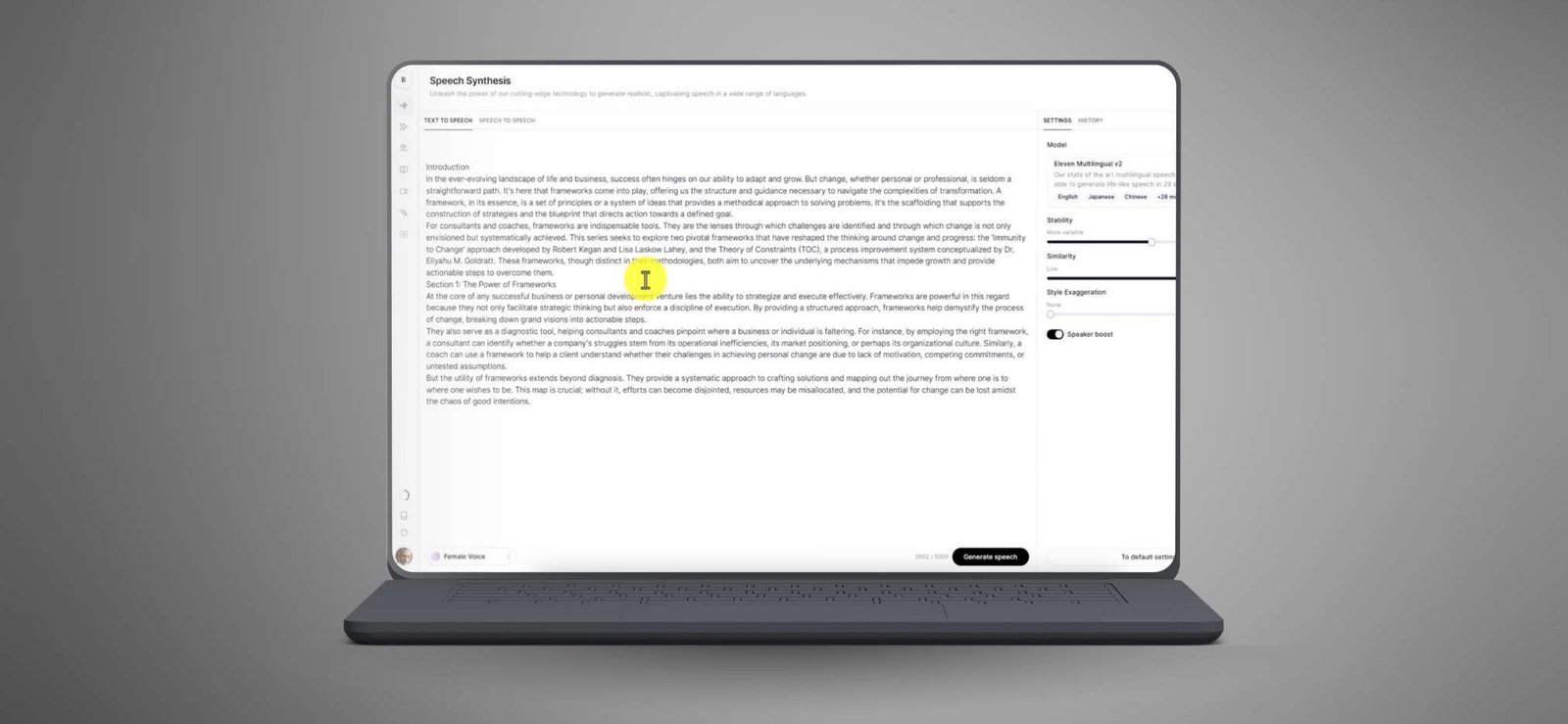
- How to fully optimize Eleven Labs to create professional, high-quality speech
- Best practices for customizing voices to fit different needs and projects
- Using AI features to adjust the tone, mood, and style of speech
- Generating fluent speech in multiple languages with ease
- Efficiently managing voice projects and integrating them into creative or business workflows
This 20-part workshop teaches how to master Eleven Labs, an AI voice generator that creates lifelike speech in any voice, style, or language, covering setup and advanced techniques like adjusting intonation and managing voice styles.
What’s Inside:
- Introduction to the Eleven Labs platform and its features
- Step-by-step guidance on setting up and managing your account
- Creating and customizing AI-generated voices for different projects
- Detailed instructions on generating speech in multiple languages and styles
- Techniques for adjusting intonation and inflections for more natural-sounding results
- Using contextual delivery to match tone and emotion in voiceovers
- Tips on organizing and storing voice projects efficiently within the platform
- Best practices for integrating Eleven Labs with other creative tools and workflows
With this workshop, you will gain the skills and knowledge needed to master Eleven Labs and produce professional-quality voiceovers for any project. Whether you are new to the platform or looking to enhance your skills, this course provides everything you need to create high-quality, natural-sounding speech with AI.
- 1 Section
- 20 Lessons
- Lifetime
Expand all sectionsCollapse all sections
- Eleven Labs WorkshopThis 20-part workshop teaches you to use Eleven Labs to create high-quality speech in any voice, style, or language, with natural intonation and inflections.20
- 1.1Generating Audio
- 1.2Use ChatGPT For Clearning of Script
- 1.3Add and Listen to a New Voice
- 1.4Correcting Your Script
- 1.5Pictory for Video Creation
- 1.6Using Eleven Labs In Pictory
- 1.7Placing in the Text
- 1.8Listenting to the Audio
- 1.9Creating an Instant Clone
- 1.10Real Time Cloned Voice
- 1.11Stability Improvement
- 1.12Using Projects
- 1.13Listeing in Projects
- 1.14Adjusting Professinal Cloning in Projects
- 1.15Using An Eleven Labs Voice for Projects
- 1.16Choosing The Right Voice
- 1.17Audiobook Mini Course – Project Tab
- 1.18Audiobook Mini Course – Project Settings
- 1.19Audiobook Mini Course – Dividing the Audio
- 1.20Audiobook Mini Course – Funushug The Process
2 Students20 Courses
Review
$35.00$9.90
100% positive reviews
25 students
20 lessons
Language: English
0 quiz
Assessments: Yes
Available on the app
Unlimited access forever
Skill level All levels
Courses you might be interested in
This video course offers a 38-minute introduction to mastering AI and ChatGPT through clear, step-by-step tutorials. It simplifies complex AI concepts, making them accessible for all skill levels.
-
1 Lesson
$35.00$9.90
This 22-part video course teaches how to use Claude.ai to generate content, improve documents, and automate tasks, making it perfect for reselling to businesses and creators.
-
22 Lessons
$35.00$9.90
This 20-part video masterclass teaches you how to explore ChatGPT's newest features, enhance their skills, and unlock its full potential with ease.
-
20 Lessons
Only $35.00$9.90
This 21-part course teaches you how to use top AI platforms like ChatGPT, Meta AI, Claude, Gemini, and Perplexity to create and edit professional content, helping you compare tools and...
-
21 Lessons
$35.00$9.90
$35.00$9.90